Agency playbooks
How to set up an Upwork agency for bidding at scale
An Upwork agency is one account, one paid plan, one shared Connects balance and a handful of roles. Get the roles, the member types and the hourly rule right before the first proposal goes out.
Boosting nearly doubles the Connects bill: 100 proposals cost about $215 unboosted and $393 boosted.
Monthly Connects spend in dollars by proposals sent, at measured net Connects per proposal · dollars of Connects a month
Hover or tab through the chart for exact values.
Source: Upsight's Connects ledger: 9,788 Upwork applications 2026-08-01 to 2026-10-19, reconciled to Upwork's Connects transactions (95.8% Vizio AI's own sends); 14.3 net Connects per unboosted proposal, 26.2 per boosted one. Connects at $0.15 each, per Upwork's "Understanding and using Connects" (211062898).Not a controlled test: campaigns chose when to boost. Agency Plus itself is billed on top.
Show the data
| Unboosted (14.3 net Connects) | Boosted (26.2 net Connects) | |
|---|---|---|
| 50 proposals | $107 | $197 |
| 100 proposals | $215 | $393 |
| 250 proposals | $536 | $983 |
| 500 proposals | $1,073 | $1,965 |
To bid as an agency on Upwork you open an agency account from your freelancer account (one per freelancer), subscribe to Agency Plus, which Upwork lists at $19.99 a month, and add members as exclusive or non-exclusive. A business manager can submit proposals for any member from one shared Connects balance that rolls over up to 400 Connects a month. On hourly jobs, submit from the agency profile, or Upwork assigns the contract to you.
$19.99
Agency Plus a month
Upwork's agency guide
400
Connects rolled over a month
agency cap, Upwork help center
1
agency per freelancer
Upwork help center
7 days
to verify before a member hold
Upwork help center
An agency is a second account inside yours, not a new login
An Upwork agency is created from an existing freelancer account and stays attached to it. Upwork's How to create an agency gives the path: Account settings, Contact info, Additional accounts, New Agency Account. It is explicit that each freelancer can create only one agency, and that you need a freelancer account first.
That matters for anyone planning a second brand. Upwork allows one account per person, with one freelancer profile, one agency and any number of client accounts inside it; a second main account breaks the rules even for a legitimate reason (see multiple accounts).
What the agency account gives you that a freelancer profile does not:
- its own public agency profile, roster and agency Job Success Score;
- its own membership plan, billed separately from any freelancer plan;
- its own Connects balance, which never mixes with the owner's freelancer Connects;
- its own earnings balance: every agency contract pays the agency, and paying members is the agency's job, not Upwork's.
A freelancer profile is still the right vehicle for one person bidding alone. The agency exists so that several people can bid under one brand, one track record and one budget.
Agency Plus is the plan that bids
Without Agency Plus an agency cannot run a bidding operation. Upwork's agency proposals article states that an active Agency Plus membership is required to submit most proposals and accept offers, and How to create an agency says adding team members needs it too. Upwork's own guide to growing an agency puts the price at $19.99 a month; the help center itself does not print a price.
The Agency Plus help article lists what the plan adds: unlimited members, confidential earnings, a shared Connects balance, and members spending agency Connects on profile boosts or the Availability Badge. Two rules in it shape everything below. Every agency proposal must name an assigned member, and whoever bids for the team can bid for anyone on it:
“Business managers can submit proposals on behalf of anyone in the agency.”
Give each person the narrowest role that does the job
Upwork's roles are permissions, not job titles, and one person can hold several. The table is in How to set up roles in your agency. The role agencies talk about most, business manager, is not in it: it comes from the proposals article, where it means the person who submits, edits and withdraws proposals and accepts offers for any member.
| Role | What Upwork says it can do | Give it to |
|---|---|---|
| Agency owner | Everything; the only person who can close the agency; buys Connects; edits exclusive members' rate, visibility and earnings privacy | The founder, and nobody else |
| Account admin | Set up APIs and integrations, configure the account, manage memberships and assign roles, receive finance notifications; edit exclusive members' roster settings | One trusted operator |
| Business manager | Submit, edit and withdraw proposals and accept or decline offers on behalf of any agency member | Whoever bids for the team |
| Agency manager | Send offers and create contracts, track onboarding, invite talent and review offers, request hiring approvals | Delivery leads |
| Finance admin | Access financial reports, export custom reports, approve hiring budgets | Bookkeeper or accountant |
| API Key Manager | Create an API key for the organization, update its scopes, maintain key rotation | Whoever runs integrations |
Sources: "How to set up roles in your agency" (360009646553), "How to manage your agency proposals and offers" (360009524274), "About the Agency Plus plan" (211062958). The roles table also lists work diary and chat access roles, left out here.
Three readings of the table save trouble later. An agency manager alone cannot change an exclusive member's displayed rate or visibility: Upwork says only the owner and an account admin can. A finance admin reads and exports reports but does not configure anything. And an API Key Manager can run the integration without power over the team, which is why it, not admin, is the role to give a developer.
Upwork is also firm that member accounts are personal. An owner manages people through roles and must never ask for a member's login. Roles are how an agency scales; shared passwords are how it loses accounts.
Exclusive or non-exclusive decides whose Connects and whose profile
Every member is either an exclusive agency contractor or a non-exclusive agency member, and the switch is set when you invite them. Upwork's comparison article sets out the difference.
| Exclusive | Non-exclusive | |
|---|---|---|
| Profile and proposals | Branded with the agency | Own profile; bids as an individual or as an agency member |
| Payments | All contract payments go to the agency | Agency contracts pay the agency; own contracts pay the member |
| Connects | Cannot buy any; spends the agency's | Buys their own for individual bids; agency's for agency bids |
| Rate, visibility, earnings privacy | Set by the owner or an account admin | Set by the member |
| Job Success Score shown | The agency's, once the agency qualifies | Their own |
| Joining with active proposals | Blocked until they withdraw them | Joins at once and keeps them |
Sources: 360035562673, 360009646553 and "Understanding your agency's Job Success Score" (115006282028).
The practical rule: make full-time people exclusive, so their profiles carry the agency's brand, score and badges, and keep part-time specialists non-exclusive. If an exclusive invitation bounces with "User has active job applications", either send it as non-exclusive or ask the person to withdraw their open individual proposals first.
Who can submit for whom, and the hourly trap
A business manager can bid for any member, but hourly and fixed-price jobs follow different rules. Get the hourly one wrong and the contract lands on the wrong person.
| Hourly job | Fixed-price job | |
|---|---|---|
| Who must exist first | An individual freelancer profile for each member you propose | Nothing extra |
| Which profile submits | The agency account profile | The business manager's own profile is fine |
| When the member is assigned | In the proposal | After the contract starts |
| What goes wrong | Submitting from a personal profile assigns the contract to the person who submitted | Nothing, if someone assigns the member once work starts |
Source: "How to manage your agency proposals and offers" (360009524274).
Members can also submit their own proposals, and whoever submits, every agency proposal draws on the agency's Connects and names an assigned member. Only business managers accept offers for the agency. If several people bid, agree who is allowed to accept, because an accepted offer is a contract.
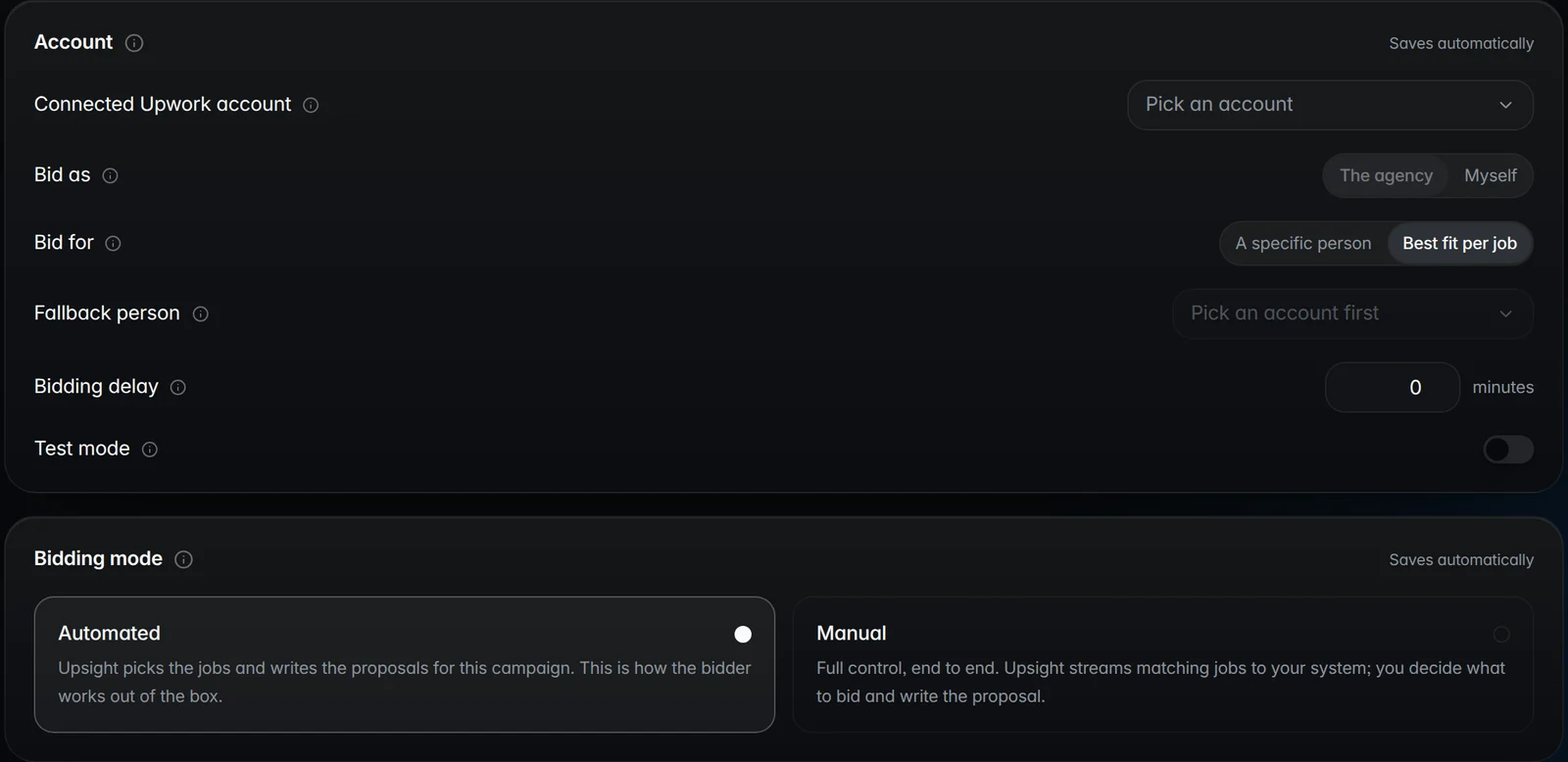
One shared Connects balance, with no per-member limits
The agency's Connects are one pot. Only the owner and agency admins can buy them, Connects expire one year from purchase, and the agency can roll over up to 400 unused Connects each month (Agency Plus article). Upwork does not let you assign or cap Connects per member; if you want limits, they are internal rules you enforce yourself, and Upwork gives no per-member spend report.
How big the pot needs to be depends on volume and on boosting. A Connect costs $0.15. Across 1,040 proposals sent through Upsight in October 2026, the Connects a job asked for ranged from 6 to 27, with a median of 15 and 20 the most common. Boosts sit on top. In Upsight's ledger, an unboosted proposal cost 14.3 net Connects and a boosted one 26.2 after refunds.
Most jobs asked for 10 to 20 Connects, and 20 was the most common price.
Proposals by the Connects the job asked for to submit · proposals
Hover or tab through the chart for exact values.
Source: Upsight: 1,040 proposals submitted 2026-10-04 to 2026-11-03, by the Connects Upwork asked for at submission. Median 15, middle half 10 to 20.Upwork sets the price from the job's length and budget and publishes no range.
Show the data
| Proposals | |
|---|---|
| 6 | 15 |
| 7 | 15 |
| 8 | 81 |
| 9 | 54 |
| 10 | 130 |
| 11 | 67 |
| 12 | 21 |
| 13 | 34 |
| 14 | 53 |
| 15 | 111 |
| 16 | 29 |
| 17 | 59 |
| 18 | 36 |
| 19 | 14 |
| 20 | 210 |
| 21 | 91 |
| 22 | 4 |
| 23 | 3 |
| 24 | 1 |
| 25 | 0 |
| 26 | 5 |
| 27 | 7 |
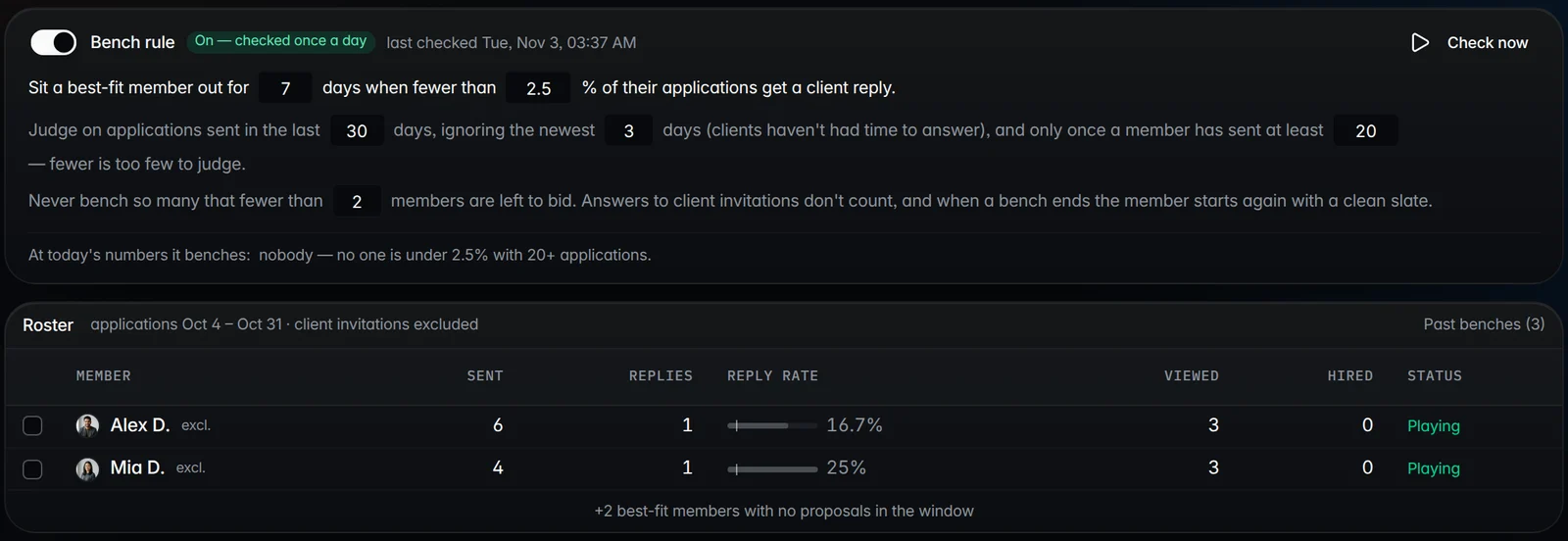
Because Upwork reports spend for the agency and not per person, the only way to see who spent what is to match each Connects transaction to its proposal. Upsight's ledger does that and attributes each proposal's cost, boost included, to the member it was sent for, alongside per-member funnels of sent, viewed, replied and hired. Its campaigns pick the member whose profile fits each job, and send through Upwork's official API with the workspace's own key; any campaign can require a person to approve every proposal before it goes.
Badges and the Job Success Score belong to the whole team
An agency's Job Success Score is calculated like a freelancer's, over every contract the agency holds, exclusive and non-exclusive alike. Upwork scores the agency's 6, 12 and 24-month history and shows the best, updated daily (agency JSS article). Hiring a star does not lift it, because their past contracts were not for the agency, and a leaver's contracts stay in until they age out of the best window.
Agency badges follow the same logic. Rising Talent is by invitation only; Top Rated and Top Rated Plus reward results. Badges show on the agency profile and its proposals and, under set rules, on exclusive members' profiles. Rising Talent comes with a one-time bonus of 30 free Connects (agency badges article).
The consequence for scale: one member's weak contract weighs on every exclusive member's profile. Volume without delivery control is a score problem before it is a sales problem.
The setup checklist
- 1
Create the agency from the owner's freelancer account
Account settings, Contact info, Additional accounts, New Agency Account. One per freelancer, so pick the owner deliberately: only they can close it.
- 2
Subscribe to Agency Plus before inviting anyone
Members, shared Connects and most proposals all need it. Budget it next to Connects, not instead of them.
- 3
Fill in the agency profile
Overview, services (up to 10), skills (up to 15), portfolio and banner, per Upwork's agency profile article. Upwork says complete member profiles help the agency's relevance too.
- 4
Invite members with the right switch
Exclusive for full-time people, non-exclusive for specialists. Exclusive invites need the person's open individual proposals withdrawn first.
- 5
Assign roles narrowly
One account admin besides the owner, business managers for whoever bids, finance admin for the books, API Key Manager for the integration. Never share logins.
- 6
Make every member verify their identity
An unverified member is put on hold 7 days after Upwork asks, and their open proposals are deleted with no Connects refund (Upwork).
- 7
Create individual profiles for anyone you will propose on hourly jobs
And tell business managers to submit hourly proposals from the agency profile, never their personal one.
- 8
Write the Connects rules down
Who buys, the monthly budget, when to boost, and a check on the balance at month end. Upwork will not enforce any of it for you; see what a proposal costs in Connects and the Connects guide.
Questions
How much does an Upwork agency account cost in 2026?
Creating the agency is free, but bidding and adding members need Agency Plus, which Upwork's agency guide lists at $19.99 a month. Connects are bought separately at $0.15 each from one shared balance only the owner and admins can top up.
Can a business manager submit Upwork proposals for other agency members?
Yes. Upwork says business managers can submit, edit and withdraw proposals and accept offers on behalf of any agency member. On hourly jobs the member needs an individual freelancer profile and the manager must submit from the agency profile, or the contract is assigned to the manager.
What is the difference between exclusive and non-exclusive agency members on Upwork?
Exclusive members work only through the agency: their profile and proposals carry its brand, payments go to the agency, they cannot buy Connects, and the owner or an account admin sets their rate and visibility. Non-exclusive members keep their own profile and Connects and can bid alone too.
Do Upwork agency Connects roll over?
Yes, up to 400 unused Connects a month for an agency on Agency Plus, according to Upwork's Agency Plus article. Connects expire one year from purchase, and the balance is shared by every member; Upwork does not let you limit it per person.
Can I have two Upwork agencies?
No. Upwork says each freelancer can create only one agency, and one person may hold only one Upwork account. A second brand has to live inside the same agency, or belong to a different owner with their own account.
Orhan G. Yalçın
Founder of Upsight and of Vizio AI, an Upwork agency that bids with Upsight every day. Every number on this blog comes with its sample, window and method. More about how we measure.
Terms in this post: Agency Plus · Agency Connects · Business Manager · Exclusive agency contractor · Account admin · Agency Job Success Score
Read next
Data studies
How many Connects does an Upwork proposal cost? 1,040 sends measured
Upwork prices every job separately and publishes no range. Across 1,040 proposals the median asked 15 Connects, $2.25, and nothing asked more than 27.
Guides
Upwork fees in 2026 for agencies: every fee, with worked examples
The service fee now runs from 0% to 15% per contract, the client pays up to 7.99% on top, and Connects and withdrawals cost extra. Here is what an agency nets on $1,000 and $10,000.
Agency playbooks
How to write an Upwork proposal that gets read: an agency playbook
A client decides whether to open your proposal from two lines and a profile card, often with 20 or 40 others waiting. Write those lines for the job, prove them once, and arrive early.