Guides
Why your Upwork profile is not showing in search, and how to check
Upwork hides private, inactive and incomplete profiles, and ranks the rest by a formula it does not publish. Here is what it does say, and how to find your real position.
Four required items make up half of a complete Upwork profile.
The most each item can add to Upwork's profile completeness percentage · maximum share of the 100%
Hover or tab through the chart for exact values.
Source: Upwork help center, How do I create a 100% complete freelancer profile? (211063188), read 2026-11-03.Required: photo, overview, one employment entry, one skill. Optional items total more than 50%, so several combinations reach 100%.
Show the data
| Maximum share | |
|---|---|
| Four required items, together | 50% |
| Portfolio items (5% each) | 20% |
| Additional employment (10% each) | 20% |
| Education (10% each) | 20% |
| Additional skill tags | 10% |
| Profile video | 10% |
| A linked account | 10% |
| Certifications (5% each) | 10% |
| Another experience item | 5% |
Usually one of three things. The profile is Private, often because Upwork switched it after inactivity (90 days without a proposal or earnings for a new freelancer, two years without earnings for an established one). Or it does not carry the words clients type. Or it is in search but below the first pages, which list ten profiles each. Upwork names the inputs to its talent search but publishes no formula, so the only reliable check is your position for each keyword, measured from outside.
10
profiles per search page
Upsight's scans; Upwork does not publish it
90 days
before a new profile can go private
no proposal, or no earnings after the first
24 h
for a visibility change to apply
Upwork's stated maximum
0
ranking formulas Upwork publishes
inputs named, weights withheld
First, rule out a hidden profile
The fastest cause to check is visibility, because a profile set to Private cannot rank for anything. Upwork's visibility settings have three levels, and only one of them removes you from the talent search clients use. Upwork says changes can take up to 24 hours to apply, so a profile you just switched back to Public may still be missing tomorrow morning.
The setting lives under Your profile, Profile settings, Visibility. Read it there rather than trusting what you chose a year ago, because Upwork can change it for you (next section). See profile visibility for the full rules.
| Setting | Upwork talent search | Google and Bing | Who can open the profile |
|---|---|---|---|
| Public | Shown | May be shown | Anyone, on or off Upwork |
| Only Upwork users | Shown to logged-in members | Not shown | Logged-in Upwork members |
| Private | Not shown | Not shown | Logged-in people with a direct link |
Source: Upwork, How to control who sees your Upwork profile (211060298). A previously public profile can linger in search engines for a few days; Upwork points to Google Search Console for removal.
Upwork switches inactive profiles to private
Many "my profile disappeared" threads end here: Upwork turned the profile private and the freelancer missed the email. Upwork's page on why a profile was changed to private gives the rules:
- New freelancers: the profile may go private if you submit no proposal in your first 90 days, or earn nothing within 90 days of your first proposal.
- Established freelancers: the profile may go private after two years or more without earnings on Upwork.
Upwork emails you when it makes the change. The fix is simple: log out and log back in, and visibility resets to the level you chose before; or change it by hand in Profile settings. You can still send proposals while private, and a client you send one to can still open the profile.
Two exceptions matter to agencies. A Freelancer Plus membership keeps a profile from ever being switched. Exclusive agency freelancers cannot buy Freelancer Plus, and for them the earnings test counts contracts made on behalf of the agency, so a member who has billed nothing in their own name for two years may still qualify through agency work. When a member drops out of search, log in as that member before you rewrite anything.
What Upwork says its search weighs, and what it withholds
Upwork describes its talent search in one sentence and publishes no formula. Its client guide to searching for talent says the algorithm uses platform data, such as the number of completed projects and client feedback, and what freelancers write about their services. Depending on the search, it may also weigh the client's query, the filters chosen and the job post. That is the whole public description of talent search. Anyone selling the exact recipe is guessing.
Other Upwork pages add a few named signals, each without a weight. The table collects every one we found in the help center, with the page that says it.
| Signal | What Upwork says | Upwork page |
|---|---|---|
| Completed projects and client feedback | Used by the algorithm as platform data | Search for talent (17935950691347) |
| Your service descriptions | Used as freelancer-generated information | Search for talent (17935950691347) |
| Query, filters, job post | May be considered, depending on the search | Search for talent (17935950691347) |
| Job Success Score | The algorithm favours freelancers with a high JSS | What is a Job Success Score? (38437362753171) |
| Hours per week | The algorithm may use availability alongside skills and job success | Display your available hours (211063008) |
| Skills | Help match you with jobs and improve search visibility | How do I add skills (211060318) |
| Specialized profiles | Their removal does not affect search rankings | Update to Specialized Profiles (115013750068) |
Read 2026-11-03. None of these pages gives a weight, an order of importance or a threshold.
The pattern is consistent: Upwork tells you what it reads, never how much. So treat each signal as a condition to meet rather than a dial to turn. A Job Success Score above 90% will not lift a profile whose title never mentions what the client typed, and the reverse is also true. The JSS guide covers what moves the score itself.
Completeness is the entry ticket, not a lever
A complete profile is a threshold Upwork enforces for badges, not a ranking factor with a known effect. Upwork's completeness page splits the 100% in two. Four items are required and together make up the first 50%: a photo, an overview, at least one employment entry and at least one skill. Without all four you cannot reach 100% whatever else you add. The other half comes from optional items in any combination, and they add up to more than 50%, so there are several routes to full.
Why it matters for search: Upwork requires a 100% complete profile for Rising Talent and Top Rated, and clients can filter results by talent badge. A profile under 50% complete cannot buy a profile boost either; Upwork's boost eligibility page sets 50% and public visibility as the minimum. Your percentage sits in the right-hand panel of the Find Work page. See profile completeness.
Rank is per keyword, per filter, ten to a page
There is no single "search position" for a profile. Each keyword a client types produces its own ordered list, and each filter produces another. Upwork's search guide says some filters change with the query, and a client can narrow by hourly rate, skills, feedback, availability, language, location, time zone, or freelancers versus agencies. A U.S. client who ticks U.S. only removes every non-U.S. profile before ranking starts. A rate filter removes you if your rate sits outside the client's band.
Upwork's talent search shows ten profiles to a page in Upsight's scans; Upwork does not publish the figure. A keyword rank of 47 therefore means page five, and very few clients read that far. The same profile can be on page one for "Shopify developer" and absent from the first 500 for "Shopify expert". Profiles are not missing from search in general; they are missing from particular searches.
Agencies have one extra trap. Upwork's guide notes that a freelancer who works with an agency but has not set it as their default does not appear when a client searches for that agency. Check each member's "Associated with" line.
Only the opening of your overview shows on the result tile: Upwork's profile essentials put it at about the first 250 characters. That line, the title and your skills are what the client reads before deciding to click.
Badges, availability and the specialized-profile change
Badges and availability change who sees you mainly through filters. Clients can narrow results by talent quality, which means talent badges: Top Rated for the top 10%, Top Rated Plus for the top 3%, per Upwork's badge guide. Expert-Vetted helps a profile appear in expert-level searches, but only Enterprise and Business Plus clients see it.
Two different things carry the word availability. The free hours-per-week setting is one Upwork says its algorithm may use, so fill it in; see availability. The paid Availability badge is an ad charged in Connects every week, and clients can filter for "Available now" profiles, per Upwork's badge page. A client using that filter never sees a profile without the badge. What it costs is in profile boost and the Availability badge.
The specialized-profile change catches people out. Upwork retired specialized profiles on May 28, 2026, and its update page says visibility and rankings stay the same. What did not move is the text: work history, portfolio and reviews were folded into the main profile, but titles, overviews and skills were not. If a niche title or skill set lived only on a specialized profile, the words that matched those searches are gone unless you copied them across.
“Your visibility in search stays the same”
Why being found matters more than another proposal
A client who finds you in search and sends an invitation has not yet read 40 other proposals. That is the whole case for caring about rank. On the proposal side the room is crowded: across 79,245 jobs posted in October 2026, the average job had 20.8 proposals twelve hours after posting, and a software job averaged 42.2 (proposals per job by category). Search is the other door, and in the most crowded groups it is the one with the shortest queue.
On the proposal side, a software job averages 42.2 competing proposals.
Average proposals per job 12 hours after posting, by Upwork group · average proposals per job 12 hours after posting
Marketplace 20.8
Hover or tab through the chart for exact values.
Source: Upsight's job feed: 79,245 Upwork jobs posted 2026-10-04 to 2026-11-02 whose proposal count was read about 12 hours after posting.Proposal counts measure the bidding side. Upwork publishes no figure for how many hires start from talent search.
Show the data
| Proposals at 12 hours | |
|---|---|
| Web, Mobile & Software Dev | 42.2 |
| Data Science & Analytics | 36.4 |
| IT & Networking | 24.0 |
| Admin Support | 20.6 |
| Customer Service | 19.2 |
| Accounting & Consulting | 17.7 |
| Sales & Marketing | 16.2 |
| Design & Creative | 15.5 |
| Engineering & Architecture | 14.5 |
| Writing | 14.2 |
| Translation | 11.2 |
| Legal | 6.8 |
The diagnostic checklist, and how to read your rank
- 1
Read the visibility setting
Your profile, Profile settings, Visibility. It must say Public for you to be found by signed-out visitors and search engines, and not Private for anyone. After a change, wait up to 24 hours before testing.
- 2
Check whether Upwork switched it
Search your inbox for Upwork's email about visibility. If you are new and have sent no proposal in 90 days, or established with no earnings in two years, log out and back in to restore your setting.
- 3
Bring completeness to 100%
Find Work, right-hand panel. Fill the four required items first (photo, overview, one employment entry, one skill), then portfolio items at 5% each or education at 10% each to close the gap.
- 4
Set hours per week
Profile side panel, Hours per week. It is free, Upwork says the algorithm may use it, and Top Rated requires up-to-date availability.
- 5
Put the client's words where they are read
Title, the first 250 or so characters of the overview, and your skill tags (picked from Upwork's fixed list, ordered by you). Use the phrases buyers type, not your internal service names.
- 6
For agencies: check each member's association
A member who has not set your agency as default does not show in a search for the agency. Check Associated with on each profile.
- 7
Measure your position, keyword by keyword
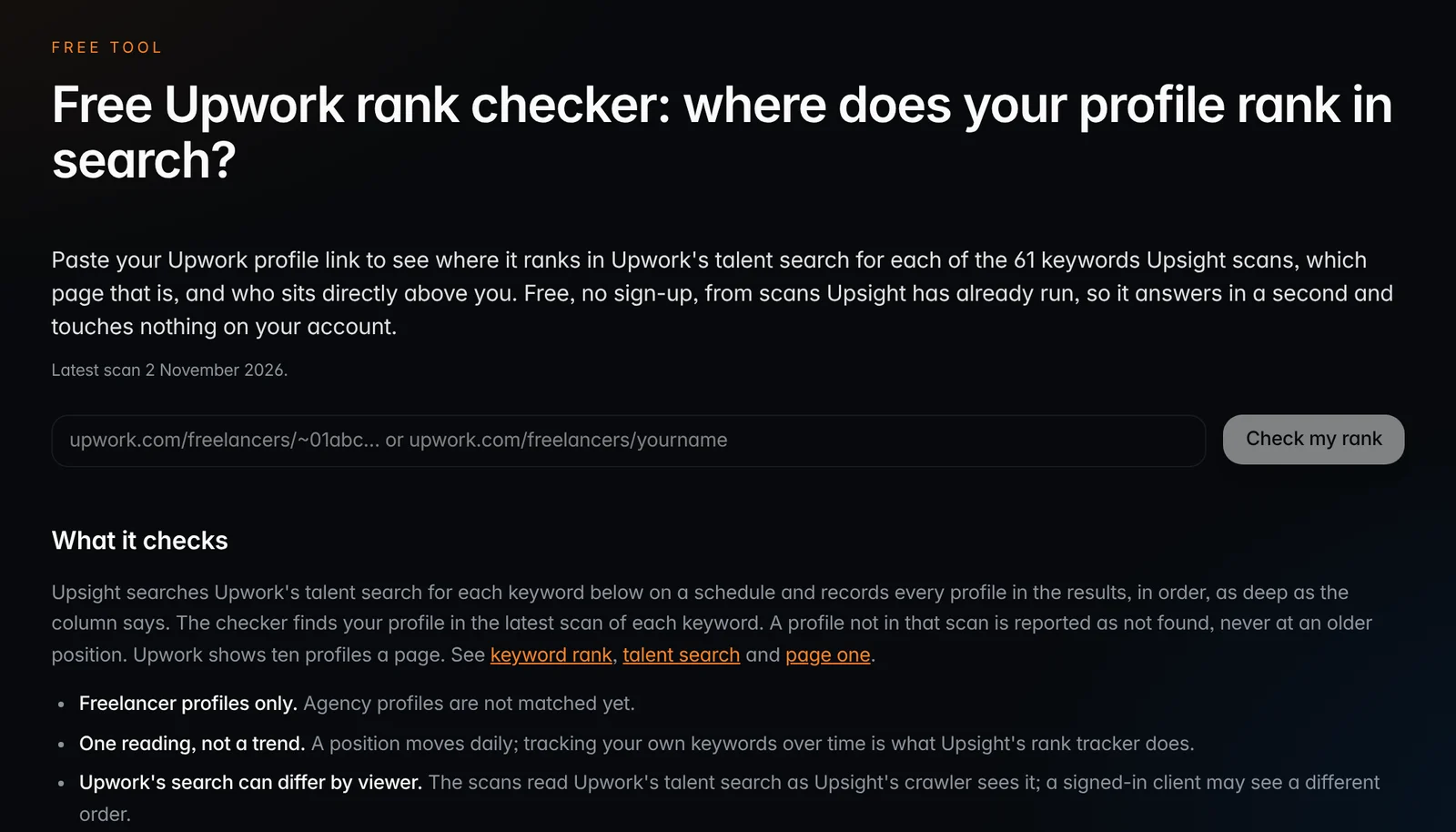
Record the page for each phrase you want, under the filters your buyers use. Our free rank checker reads 61 keywords about 500 deep and shows who sits directly above you.
- 8
Compare yourself with page one
Note what the ten profiles above you show: badge, JSS, Availability badge, keyword in the title, skills. A gap they share and you lack is the one worth closing first. See who is on page one.
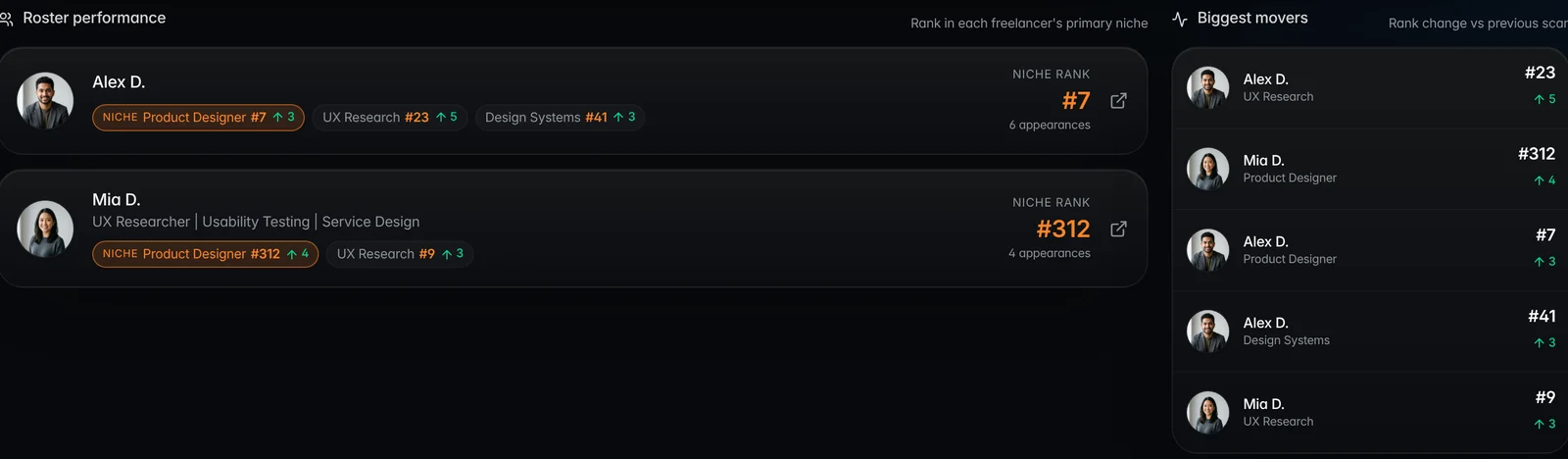
Upwork does not show a profile owner their position anywhere in the account, so rank has to be read from the search itself. By hand that means a signed-out browser, the exact phrase, the filters your buyers use, and counting tiles page by page. It works for three keywords once. It does not work for twenty keywords every day.
Our free rank checker takes a profile link and reports its position for each of the 61 keywords Upsight scans, about 500 results deep; the latest pass covered 17,880 distinct profiles. "Not in the top 500" is a result, not a gap in the data. For an agency, Upsight's ledger runs the same read every day for each tracked profile and keyword, records who ranks above, and keeps the history so a drop can be dated to the day it happened.
Questions
Why is my Upwork profile not showing up in search?
Most often it is set to Private, sometimes by Upwork after inactivity: 90 days without a proposal or earnings for a new freelancer, two years without earnings for an established one. Otherwise it is in search but ranks low for the phrase you tried, ten profiles to a page.
Does Upwork make inactive profiles private?
Yes. Upwork may switch a profile to Private if a new freelancer sends no proposal in 90 days or earns nothing within 90 days of the first proposal, or after two years without earnings. Logging out and back in restores your chosen setting. Freelancer Plus members are exempt.
How do I see where my Upwork profile ranks?
Upwork does not show it. Search the exact phrase signed out with your buyers' filters and count tiles, ten to a page, or use Upsight's free rank checker, which reads 61 keywords about 500 results deep and shows who ranks directly above you.
Does a 100% complete Upwork profile rank higher?
Upwork does not publish that it does. It requires 100% completeness for Rising Talent and Top Rated, which clients can filter by, and 50% plus public visibility to buy a profile boost. Treat completeness as an entry ticket, not a ranking lever.
Did removing specialized profiles hurt my Upwork search ranking?
Upwork says no: the May 28, 2026 change does not affect search rankings. But titles, overviews and skills on specialized profiles were not moved to the main profile, so any niche wording that lived only there is gone unless you copied it.
Orhan G. Yalçın
Founder of Upsight and of Vizio AI, an Upwork agency that bids with Upsight every day. Every number on this blog comes with its sample, window and method. More about how we measure.
Terms in this post: Profile visibility · Talent search · Keyword rank · Profile completeness · Page one · Specialized profile
Read next
Data studies
What does page one of Upwork search look like? We read 32,000 profiles
73% of page-one profiles carry the exact search keyword in their title, three times the rate on pages 31 to 50. Badges, earnings and rate climb too. Job Success and the Availability badge do not.
Guides
Upwork profile boost and the Availability badge: how they work and what they cost
Two Upwork ads, two billing models: one charges Connects per click, the other by the week at a market price. What each buys, how to stop it, and how to tell whether it pays.
Guides
Upwork Job Success Score: what moves it, what does not, and why it dropped
The JSS is the best of three rolling scores, recalculated daily. Most drops have a cause you can find in Upwork's own insights page, and some fix themselves on a date you can predict.